






.png)
Go to Settings > Quarantine Report to customize your Quarantine Report UI for your own brand. Changes you make here are visible at customer and domain levels.
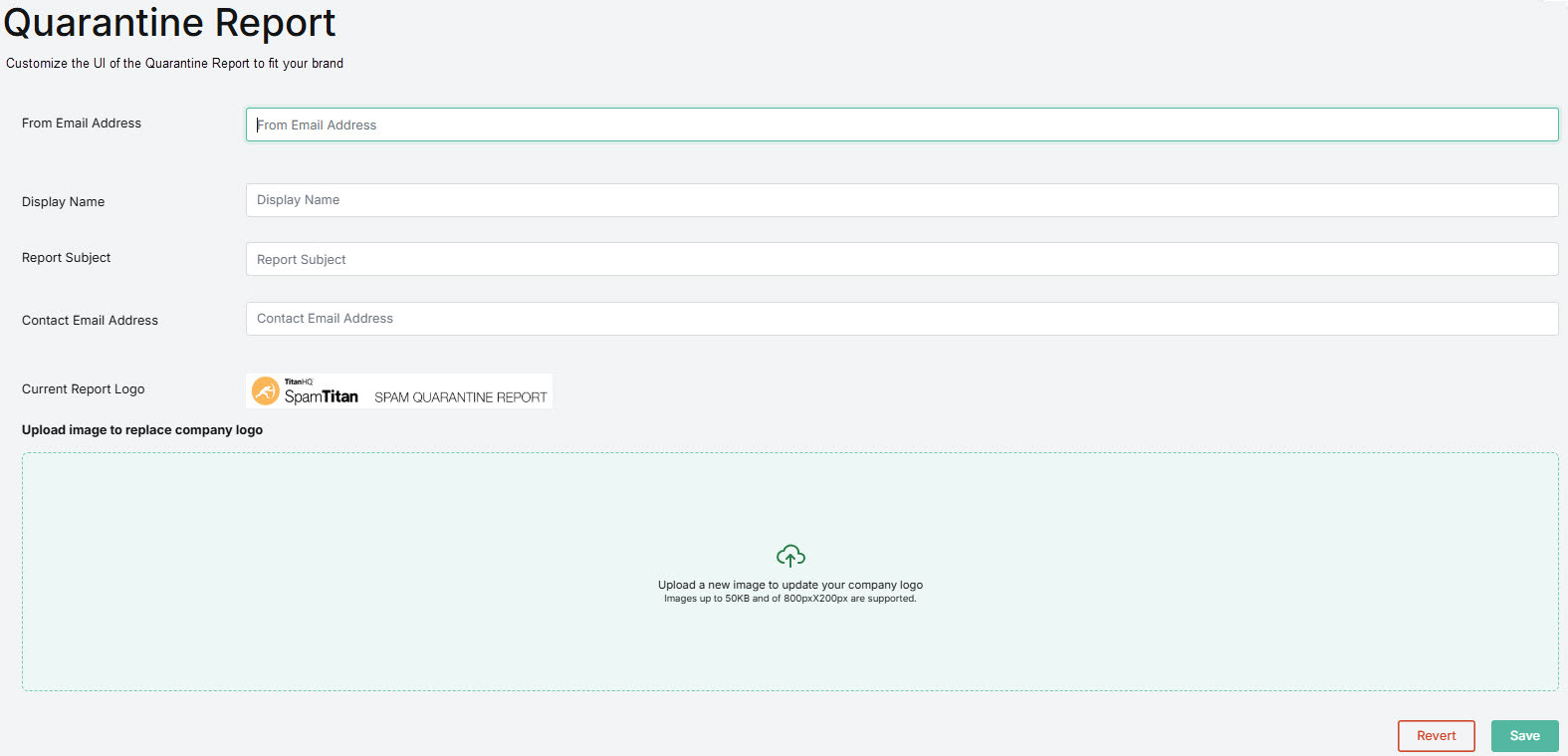
You can customize the following:
- From Email Address: Sender address visible to the quarantine report recipient
- Display Name: Name associated with the return email address
- Report Subject: Name of the report
- Contact Email Address: Email address of admin handling queries
- Current Report Logo: Logo shown in quarantine report. Images with dimensions up to 800 × 200 with a max size of 50 KB are supported. Supported file types: JPEG, PNG, BMP, GIF and SVG.
Click Save to continue, or Revert to cancel.
 1.png)