






.png)
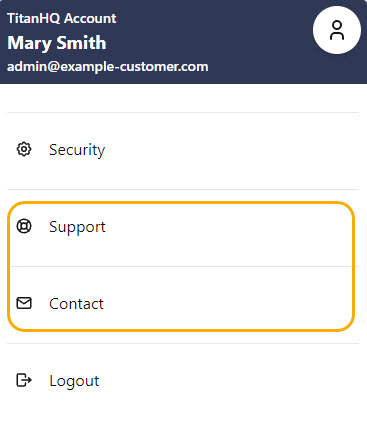
Go to Settings > Support to customize the support contact details available to your customers. These details can be accessed from the user's profile.
For MSP Admins, these settings can only be changed by the system admin.
To customize support links:
- Go to Settings> Support.
- Under Support Desk URL, enter a valid URL.
- Under Contact, enter a valid email address.
- Click Save Changes.

 1.png)