






.png)
Important
Any domain that uses email has an MX record, which lists the mail servers available to accept mail for that domain. If you haven't updated the MX records of your added domains to point to SpamTitan, you'll be notified with one of the following banners on the Overview page:
Domain not protected: Indicates that the MX record of this domain does not point to SpamTitan.

Domain partially protected: Indicates that the MX record for the domain is pointing both to SpamTitan and to other mail servers.

Go to Change your MX Records for further information.Step 6: Change your MX Records
The Overview page has two tabs: Overview and Domain Configuration.
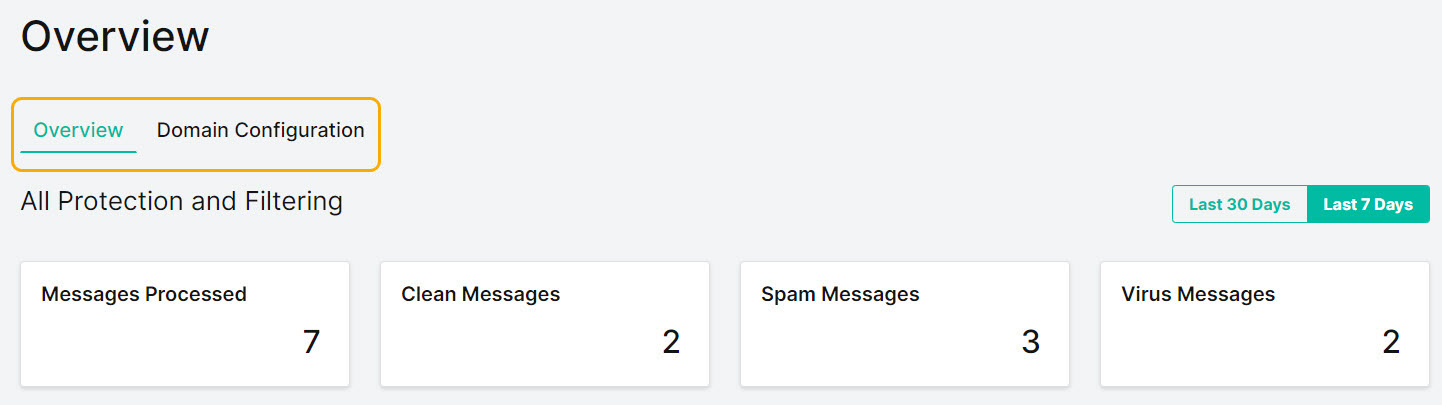
The Overview tab (default view) shows a summary of activity for your domain and a list of users in the All Users table.
All Protection and Filtering shows a summary of emails for all domains that was processed through SpamTitan over the Last 7 Days. Select Last 30 Days to show summary data for the last thirty days. You must have added at least one domain with an active email flow to see summary data.

Select the Domain Configuration tab to edit domain details and configuration settings. See Edit your Domain Configuration.Edit your Domain Configuration
 1.png)