






.png)
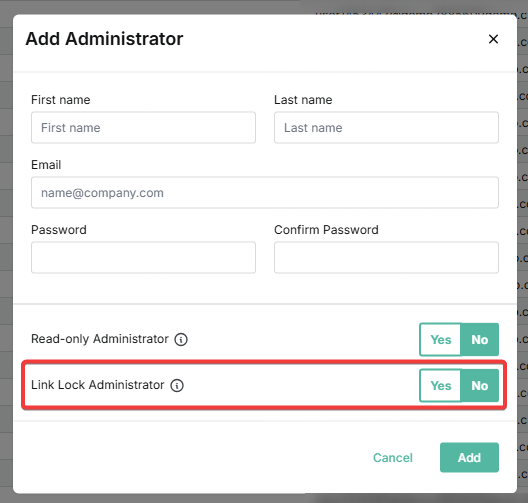
An administrator can be enabled as a Link Lock Admin when they are added to the system. For more information, see Managing administrators in SpamTitan Skellig.
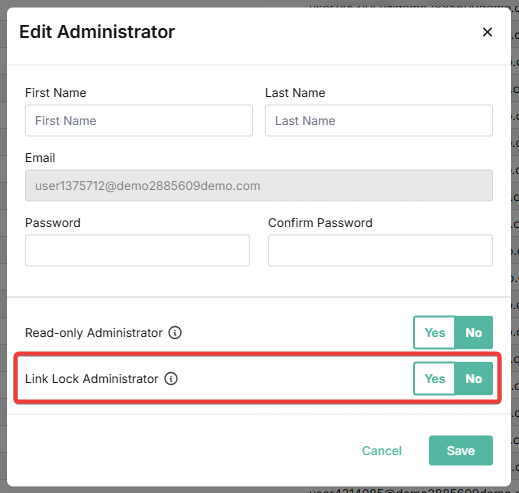
You can also follow the steps below to edit an existing administrator and enable them as a Link Lock Admin.
 1.png)